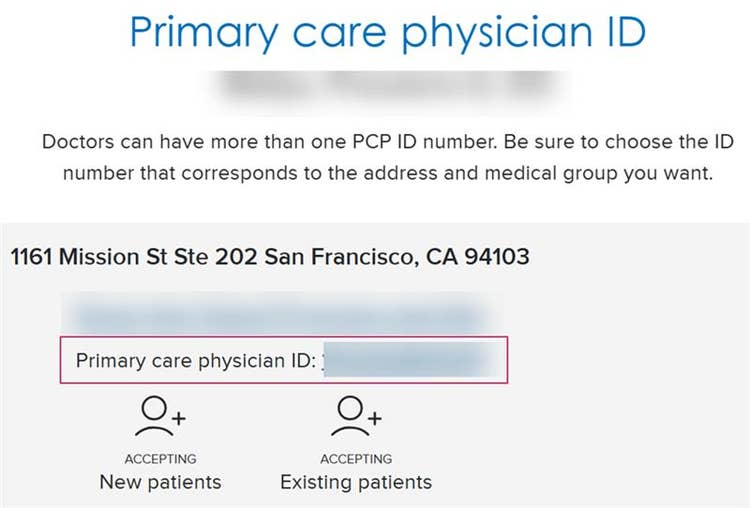
How to find a Primary Care Physician’s ID number
Certain Blue Shield health plans require you to choose a Primary Care Physician (PCP) when you enroll. To confirm your selection, you must provide Blue Shield with your chosen PCP’s ID number.
Steps to find a PCP’s ID number:
1. Search for PCPs by plan type:
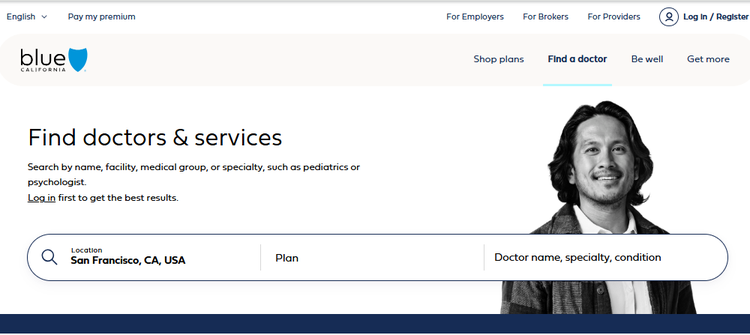
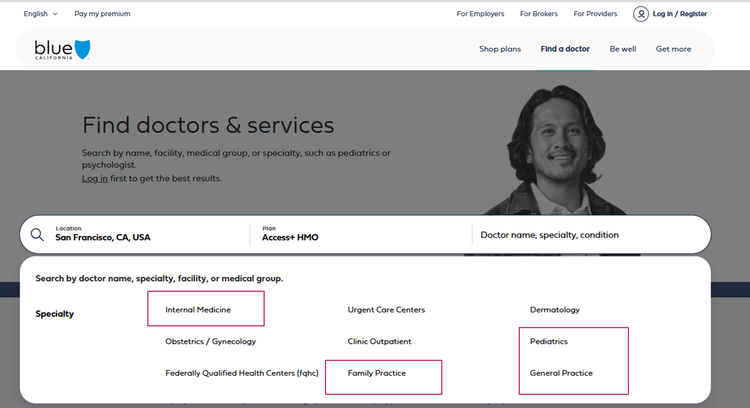
2. In the search bar, enter your location and either the doctor’s name or one of the PCP specialties:
- Family Practice
- General Practice
- Internal Medicine
- Pediatrics
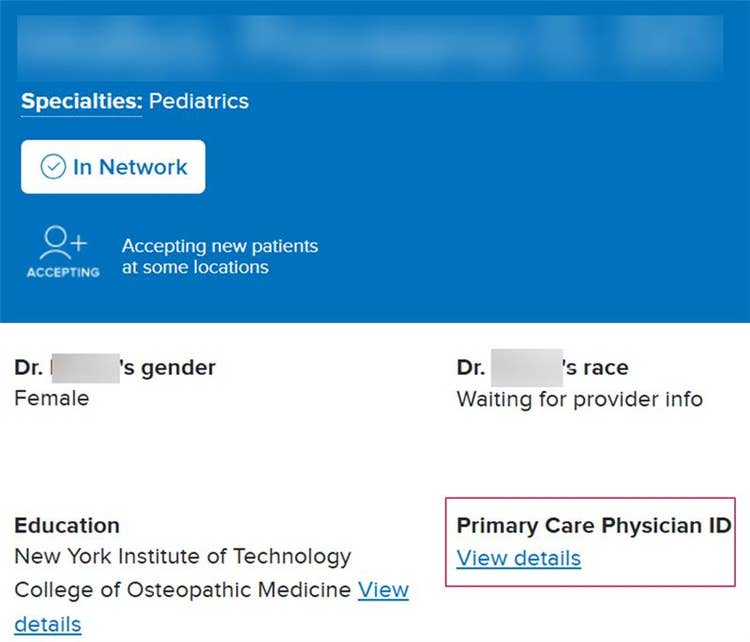
3. From the search results, click the doctor’s name to view additional information about that doctor.
- Find the Primary Care Physician ID section
- Select “View details”
4. Choose your preferred medical group from the list—your PCP may be part of multiple groups
- Write down the Primary care physician ID.
- Give the ID to your employer, union group or benefit trust during enrollment.
- Let your employer, union group or benefit trust know if you are an existing patient—some doctors may not accept new patients.