View or change your primary care physician
As an HMO member, you are assigned a primary care physician (PCP) to coordinate your care. You can view or change your PCP by following the steps below.
How to view your assigned PCP
You can do any of the following:
- Look on the front of your member ID card, on the right-hand side under the network.
- Log in to your blueshieldca.com account, or register for one if you haven’t already.
- Sign into the Blue Shield mobile app, or download it if you haven’t already.
Steps to change your assigned PCP through your online account
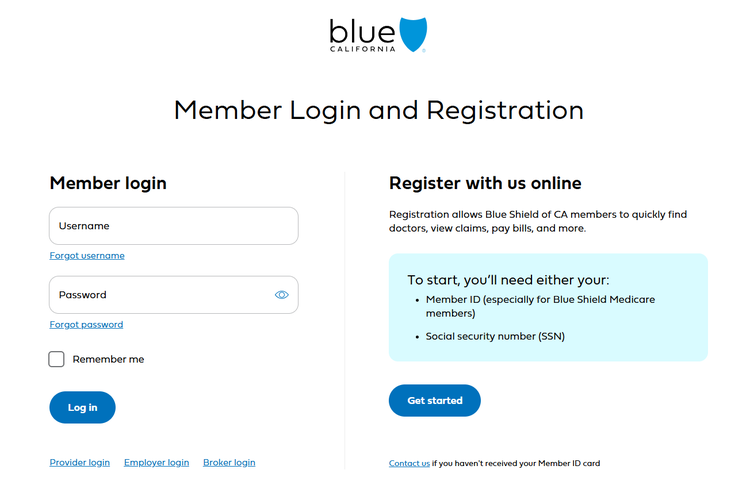
1. Log in to your account at blueshieldca.com.
- If you don’t already have an account, register for one online.
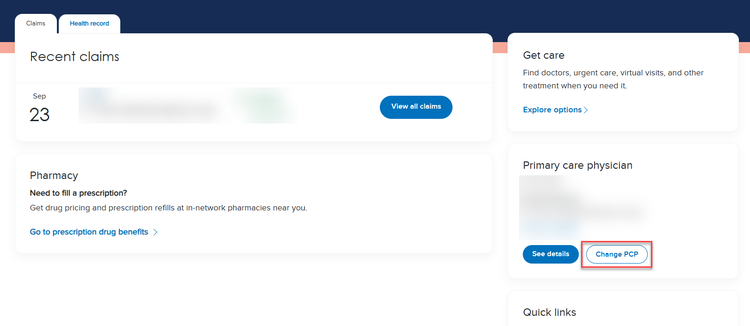
2. Find the “Primary care physician” section on your dashboard.
- Select “Change PCP”.
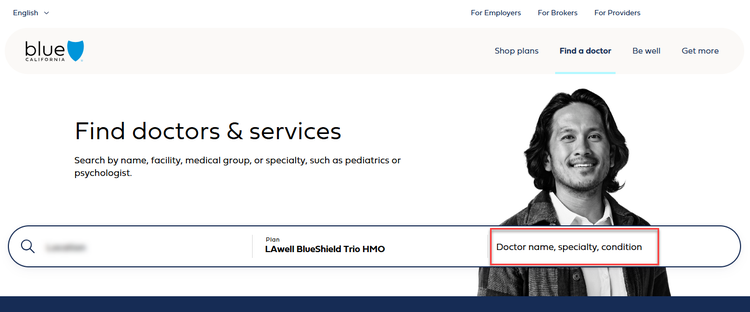
3. You will be directed to the Find a Doctor page specific to your location and plan. In the search bar, enter your doctor’s name or one of the following PCP specialties:
- Family Practice
- General Practice
- Internal Medicine
- Pediatrics
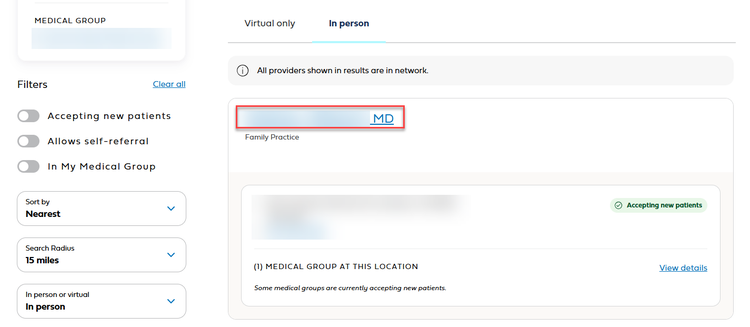
4. Click on a physician’s name to view additional information about that doctor.
- Confirm that the doctor is accepting new patients.
- Check all the medical group locations associated with the doctor.
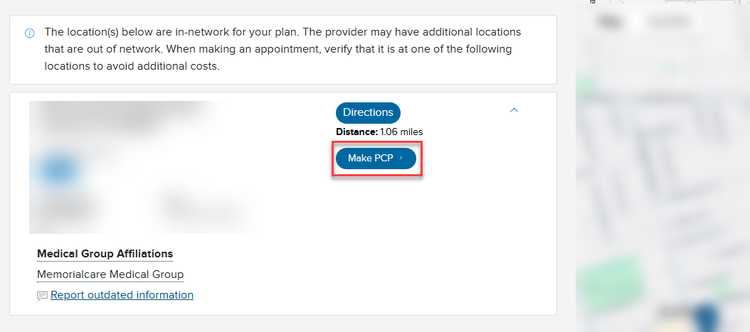
5. Select “Make PCP” and follow the steps to confirm your PCP selection.